Local-first by design
3D Viewer Pro parses and renders models on your Windows device. It is not a cloud viewer, and the app does not upload your 3D files to GlobalCore Labs servers.
3D Viewer Pro is a fast, local-first viewer for STL, GLB, GLTF, OBJ, FBX, PLY and 3MF on Windows 10 and 11. Inspect geometry, estimate print material, play skeletal animation, and use Pro section planes to look inside a model.
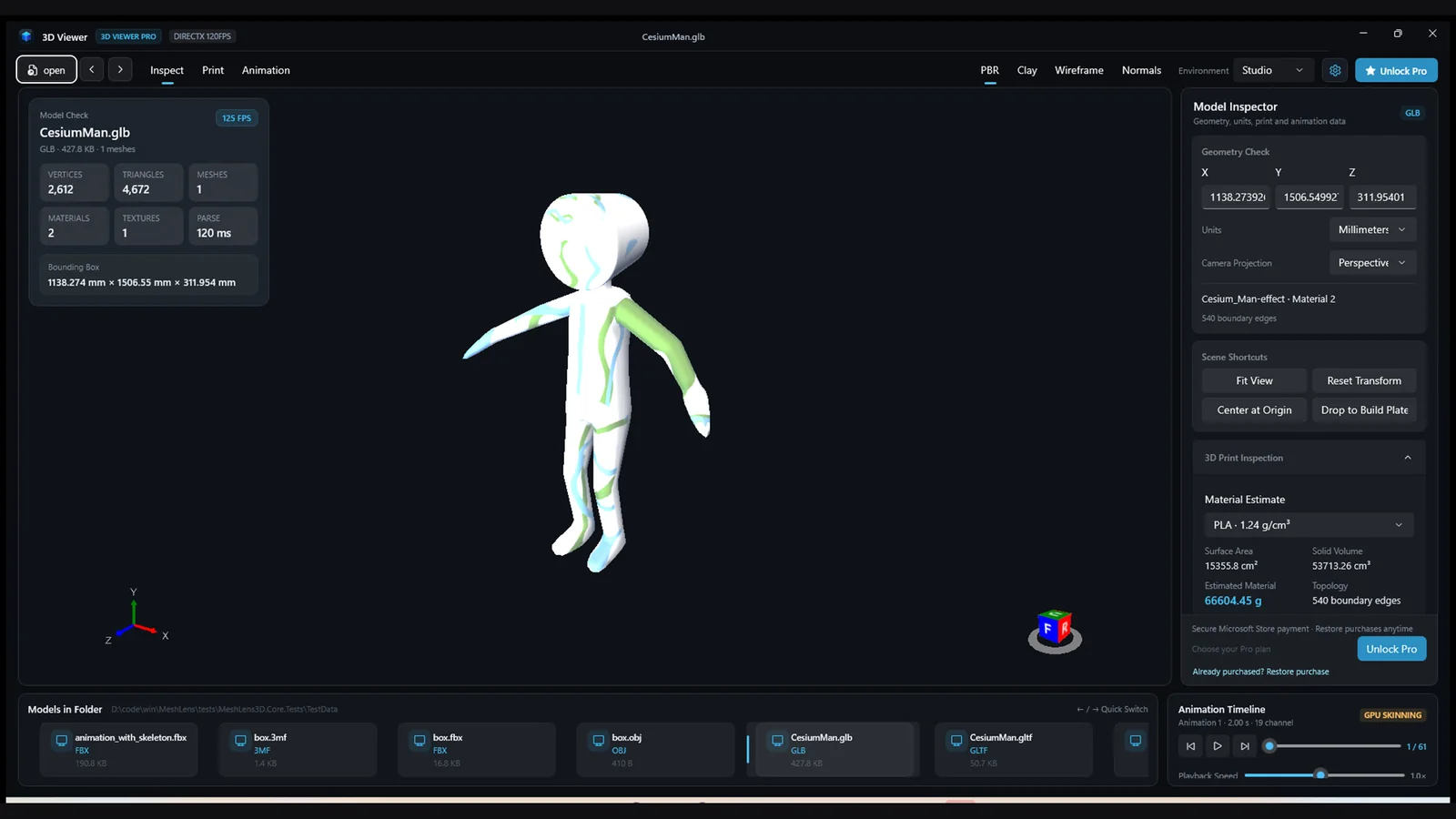
From printable STL files to animated GLB and FBX assets, open a model by drag-and-drop or Windows file association.
Visible materials, textures, units, animation and rig data depend on what each file contains. 3D Viewer Pro is not a CAD editor and does not replace a slicer.
Geometry, appearance, print preparation and animation live in one desktop workspace.
3D Viewer Pro parses and renders models on your Windows device. It is not a cloud viewer, and the app does not upload your 3D files to GlobalCore Labs servers.
See vertices, triangles, meshes, materials, textures, parse time, bounding box, surface area and enclosed volume.
Switch between PBR, Clay, Wireframe and Normals to inspect material, structure and surface direction.
Choose PLA, ABS or PETG density and filament cost to estimate material use and cost from model volume.
Play, pause, step frames, change speed and overlay the skeleton to inspect character motion.
3D Viewer Pro lists other files in the current folder so you can compare the next revision with the previous and next shortcuts.
Fit View, Reset Transform, unit selection and perspective or orthographic cameras help you return to a repeatable view.
These are desktop screenshots from 3D Viewer Pro. Select one to view it larger.
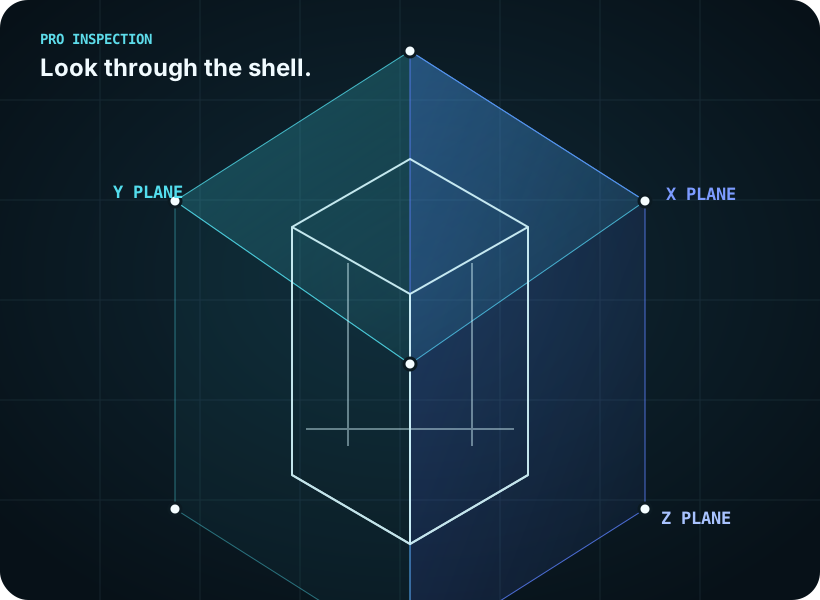
Pro adds X/Y/Z section views, center-on-origin, drop-to-build-plate, and transparent PNG sequence plus Sprite Atlas + JSON export.
Note: section planes are a visual inspection tool, not an automatic wall-thickness caliper. Use CAD or metrology tools when you need certified dimensions.
Available plans and local pricing are shown by the Microsoft Store.
No project setup and no CAD import step.
Drag an STL, GLB, OBJ, FBX, PLY or 3MF file into the window, or use a Windows file association.
Switch PBR, Clay, Wireframe or Normals; review area, volume, bounding box and print estimates.
Check animation playback, then use Pro section views, print alignment and transparent frame export when needed.
The core viewer, shading modes, geometry data, print estimates and animation playback are free to use. Pro is an optional Microsoft Store add-on; current plans and local pricing are shown in the Store.
No. Model files are parsed and rendered locally on the Windows device. The app keeps local diagnostic and conversion logs on the device and does not send them to GlobalCore Labs.
3D Viewer Pro opens STL, GLB, GLTF, OBJ, FBX, PLY and 3MF files. Visible materials, textures, units, animation and rig data depend on what the file contains.
Yes. The free viewer shows bounding box, surface area, enclosed volume, boundary edges and PLA, ABS or PETG material estimates. Pro adds X/Y/Z section views for visual inspection of internal cavities and wall-thickness distribution.
No. 3D Viewer Pro is a viewer and visual inspector; it does not generate G-code. Use your preferred slicer after checking the model.
Yes. 3D Viewer Pro targets Windows 10 and Windows 11 and ships x64 and ARM64 builds.
Get 3D Viewer Pro from the Microsoft Store. Core viewing, shading modes, geometry data, print estimates and animation playback are free to use. Pro features are available through the plans shown in the Store.